What error correction does
QR Codes include redundant data that can allow a scanner to reconstruct information when part of the symbol is dirty, scratched, faded, or obscured. This protection is built into the encoded symbol. It does not repair the printed material, and it cannot compensate for every kind of design or production problem.
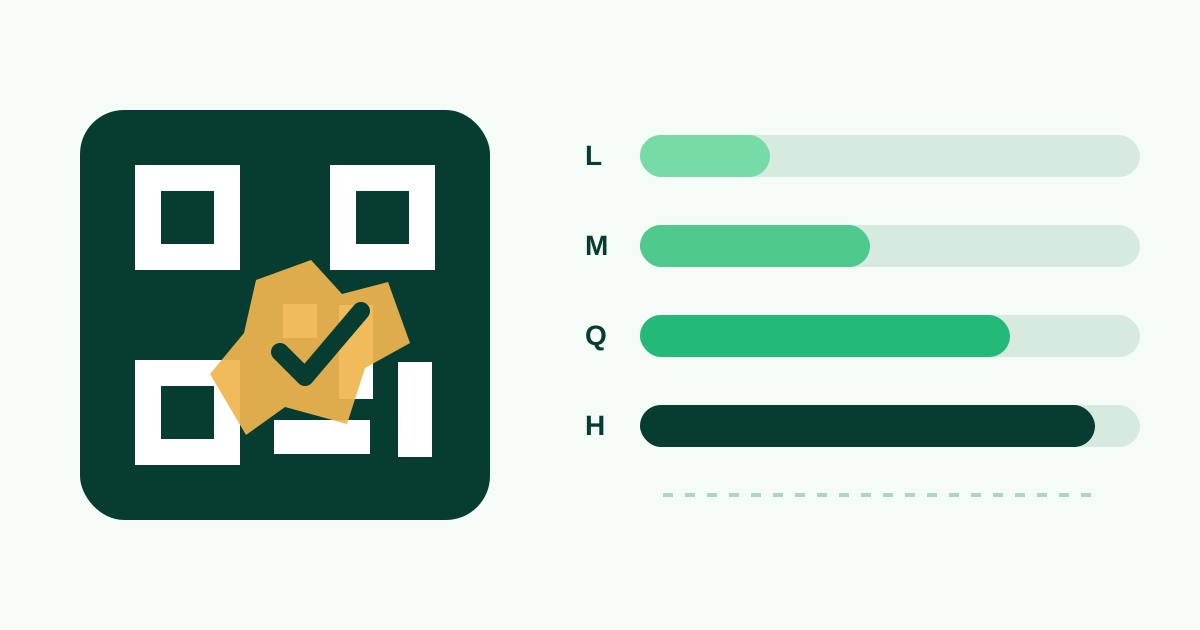
The four standard levels are L, M, Q, and H. DENSO WAVE describes approximate restoration capabilities of 7%, 15%, 25%, and 30% respectively. Those figures refer to codeword recovery and should not be interpreted as a safe instruction to cover that percentage of the visible QR area with a logo or illustration.
Compare L, M, Q, and H
Level L uses the least redundancy and can produce a less dense code, making it useful in clean, controlled settings with an undamaged symbol. Level M is a balanced general-purpose default. Level Q adds more resilience for demanding print environments, while level H provides the most redundancy and is commonly considered when a conservative central logo is present.
Increasing the level can force the data into a higher QR version with more modules. If the overall image stays the same physical size, every module becomes smaller. A higher level can therefore reduce reliability when a dense code is printed too small, even though it offers more theoretical damage recovery.
| Level | Approximate recovery | Typical starting point |
|---|---|---|
| L | About 7% | Clean, controlled digital or print use |
| M | About 15% | Balanced general use |
| Q | About 25% | More demanding surfaces or a small logo |
| H | About 30% | Maximum redundancy with careful sizing |
Match the level to the environment
Consider how the code will be used. A digital code displayed at a generous size on a bright screen faces different risks from a label on outdoor equipment, a menu wiped several times a day, or packaging that can crease. Choose extra redundancy when partial physical damage is plausible, then increase print dimensions if the symbol becomes visibly denser.
Error correction does not solve glare, weak foreground-to-background contrast, missing quiet space, camera blur, or a destination that no longer works. Those are separate layers of the scan experience. Address each directly rather than increasing the level and assuming the result is protected.
Use higher levels carefully with logos
A centered logo hides modules in a concentrated area, so added redundancy may improve tolerance. Start with Q or H, keep the artwork small, and make sure it remains well away from finder, timing, and alignment patterns. A solid backing behind the logo can keep its edge visually distinct, but that backing also covers data and counts toward the obstruction.
Do not estimate safety by measuring only the logo width. Two codes with the same visual logo percentage can have different versions, module layouts, and encoded lengths. The practical test is whether the complete exported design decodes consistently under realistic conditions.
Balance payload length, density, and size
Shorter payloads generally need fewer modules. For a web destination, remove unnecessary tracking parameters or use a stable path on a domain you control. For contact or calendar information, include the fields people genuinely need instead of filling every optional property. Do not use an untrusted shortener simply to shrink a code; the reliability of that redirect becomes part of the scan path.
If a high correction level produces a dense symbol, allocate more physical space rather than forcing it into a small label. Export SVG for professional print so the module edges remain sharp, preserve the quiet zone, and avoid image-processing steps that introduce blur or antialiasing around the grid.
Validate the choice with real scans
Generate representative versions at M, Q, and H and print each at the planned dimensions. Test with multiple phones in the intended lighting and from the natural scanning distance. If all versions work, choose the simplest one that leaves a healthy reliability margin rather than automatically selecting the maximum.
Repeat the test after applying a logo, frame, gradient, or unusual body pattern. Test the actual PNG or SVG placed in the final layout, because resizing and surrounding artwork can change the outcome. Error correction is useful engineering protection, but only end-to-end testing shows whether the complete design works.
Put it into practice