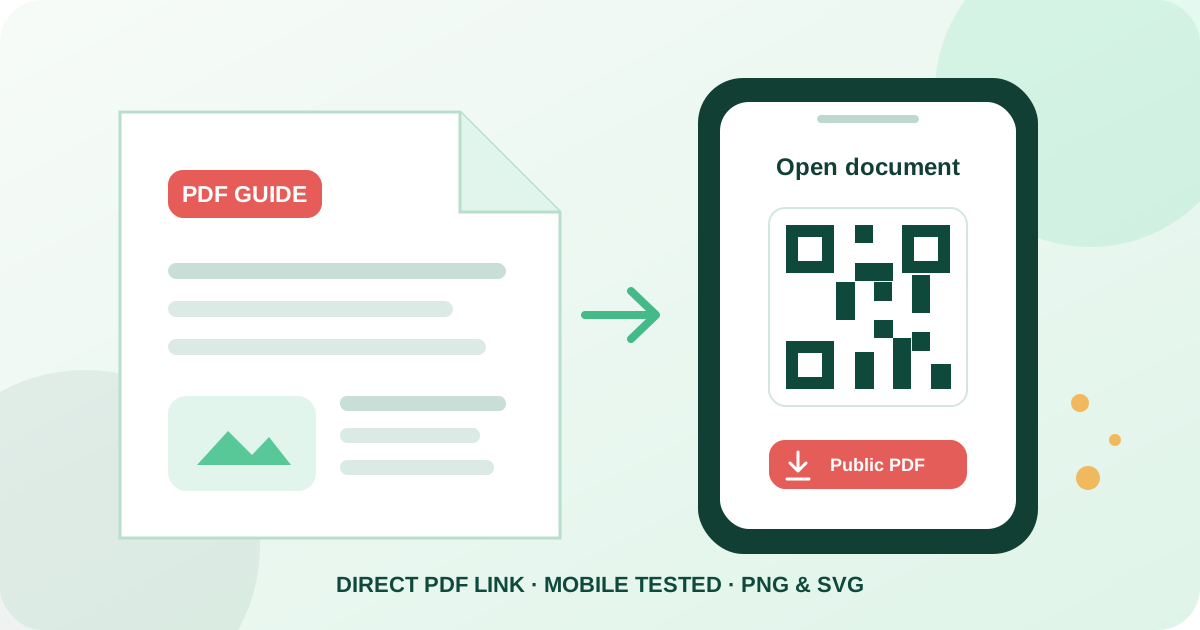
Link the QR code to a public PDF
To create a QR code for a PDF for free, upload the document to a trusted host you control, make the file publicly accessible, copy its direct HTTPS address ending in .pdf, paste it into a PDF QR generator, test the preview, and download PNG or SVG. The PDF itself is not stored inside the QR code because a normal document is far larger than a practical QR payload.
Qraftt creates the static code locally in your browser without signup and encodes the PDF URL directly. The downloaded symbol does not rely on a Qraftt redirect, account, or file library after export. Scanners still need internet access to retrieve the document, and the external host controls whether it previews, downloads, remains available, or requires permission.
Open the PDF QR generator — Paste a public direct PDF URL, customize the code, and export PNG or SVG.
Explore the QR code generator — Explore all 30 static QR formats available without creating an account.
How to create a PDF QR code step by step
First, prepare the final document and publish it with a stable file host, website, or content platform. Configure access so anyone in the intended audience can open it without your owner session, an employee login, or a temporary invitation. Use a descriptive filename and confirm that the public address ends in .pdf for Qraftt’s dedicated PDF validation.
Second, open the link in a private browser window and on mobile data. Confirm that the correct document loads, every page is present, text remains readable, links work, and no account prompt blocks access. If the host creates an expiring or signed URL, choose a more durable public link before printing permanent material.
Third, paste the verified address into Qraftt, scan the live preview, and customize the code without weakening contrast or covering its quiet zone. Download PNG for many common screen and document placements or SVG for scalable print. Test the exported file at its final physical size and follow the scan through to the document itself.
- Host the finished PDF at a stable public HTTPS address.
- Test access while signed out and on a representative phone.
- Generate a readable static QR design.
- Verify the exported PNG or SVG in its final placement.
Choose reliable PDF hosting and links
A suitable PDF URL should be public, durable, and owned or managed by someone who can maintain it. A direct link ending in .pdf is clearer for validation than a sharing page, preview wrapper, editing screen, or account dashboard. Cloud-storage links can work only when their permissions and response behavior allow the intended audience to open the file.
The host determines whether a browser displays the PDF inline or downloads it. Response headers, browser settings, operating systems, and installed PDF apps can produce different behavior from the same URL. Test the experience rather than promising one universal action, and provide a clear document title near the QR code so either outcome makes sense.
Static QR codes cannot repair a moved or deleted file. You may replace or revise the document behind the exact same stable URL if your host supports it, but changing the URL requires a new QR code. Keep a record of every printed placement and the destination it contains so future maintenance is manageable.
PDF QR code use cases
Restaurants can link a PDF menu when a fixed document layout is necessary, although a responsive web menu is often easier to read and update on phones. Brochures and product sheets can connect a concise printed piece to specifications, price lists, catalogs, accessibility information, or translated material without crowding the page.
Equipment labels and packaging can link to manuals, setup guides, safety instructions, warranties, and maintenance documents. Event signs, tickets, badges, and programs can open schedules, maps, speaker notes, policies, or downloadable resources. In every case, label the code with the document’s purpose and keep the destination current.
- Restaurant menus and hospitality information.
- Brochures, catalogs, reports, and product sheets.
- Manuals, instructions, safety documents, and warranties.
- Event programs, venue maps, schedules, and attendee resources.
Optimize PDF size and mobile readability
A successful QR scan can still lead to a poor experience when the document is too large or designed only for desktop printing. Compress images appropriately, remove unnecessary embedded assets, use searchable text where possible, and balance quality against download size. Test on slower mobile connections instead of assuming every visitor has fast WiFi.
Use legible type, clear headings, sensible reading order, descriptive links, and enough contrast inside the PDF. A wide multi-column page may require repeated zooming on a phone, while a document designed around a narrower reading area is easier to navigate. Check portrait and landscape viewing, browser zoom, screen-reader behavior where relevant, and the readability of charts and captions.
Very large manuals may be better served by a mobile web contents page that links to individual sections or files. The QR payload length depends on the URL rather than the PDF’s file size, but the document size directly affects loading time, data use, and whether the reader waits for it to open.
Print and place PDF QR codes reliably
Choose the QR code’s physical size according to scanning distance and payload density. Preserve a clear quiet zone on every side, keep modules dark against a light solid background, and avoid placing the code over photography, folds, seams, strongly curved packaging, or reflective surfaces that create glare.
Include a short call to action and identify the file, such as “Open the instruction manual” or “View the event program.” Add the file size or language when that information helps users decide whether to open it. A readable short URL can provide a fallback for people who cannot scan.
Print a proof using the actual material and finish. Scan from realistic distances under expected lighting with more than one phone, then open several pages of the PDF. Repeat this test after changing the document, hosting permissions, redirect rules, filename, or QR artwork.
Privacy and static QR code limitations
The PDF address is visible to anyone who scans or decodes a public QR code. Do not treat an obscure URL as access control, and do not use a public PDF QR code for confidential records, private customer files, internal manuals, or documents containing sensitive personal information. Apply appropriate permissions at the host when access must be restricted.
Qraftt generates the link and image locally but does not control the external file. Your hosting provider may log visits, set cookies, require login, enforce download rules, or remove content under its own terms. Review that provider’s privacy and availability behavior before distributing the code.
The static code keeps the original URL permanently. It cannot provide a Qraftt-managed redirect, replace the destination remotely, restore an expired link, or report scan analytics. If the destination changes, generate a new code and replace all affected copies.
Common PDF QR code mistakes
Private permissions, owner-only preview links, expired signed URLs, moved or deleted files, redirect loops, broken HTTPS certificates, and login walls are common destination problems. A link can work for the document owner while failing for everyone else, which is why signed-out and cross-device testing is essential.
Qraftt’s dedicated PDF generator expects a public HTTP or HTTPS URL ending in .pdf. A webpage that merely contains a PDF viewer, an extensionless download endpoint, or a cloud sharing screen may not pass that validation even when it eventually serves a document. Use the general URL generator for a normal webpage or choose a direct PDF address.
Large files, slow hosting, desktop-oriented page layouts, low QR contrast, small printing, damaged material, and missing quiet space can all create a poor result. Verify both halves of the journey: the camera must recognize the QR code, and the destination must deliver a usable document afterward.
PDF QR code FAQ
Is this PDF QR code generator free without signup?
Yes. Qraftt creates customizable static PDF QR codes without signup, a subscription, or mandatory payment, with PNG and SVG export.
Is the PDF embedded inside the QR code?
No. The QR code stores the public PDF URL, while the document remains on its external host.
Do Google Drive and other cloud PDF links work?
They can work when the link is public, stable, accessible without login, and ends in .pdf for Qraftt’s PDF-specific validation. Sharing and preview pages may require the general URL generator instead.
Does scanning require internet access?
Yes. A device needs internet access to retrieve the PDF from its external host after decoding the URL.
Can I replace the PDF after printing?
Only if your host lets you replace the file while preserving exactly the same public URL. A different destination URL requires a new QR code.
Why does my PDF not open?
Check public permissions, the .pdf URL, expired links, moved files, redirects, HTTPS errors, login requirements, hosting availability, file size, and browser or device compatibility.
Put it into practice